
How to Approve/Reject Application Access Requests
This job aid assists users designated as an Application Owner on how to review and manage submitted Application Access requests by FedHub users.
NOTE: If you are accessing FedHub on a mobile device, some screens may vary in appearance.
-
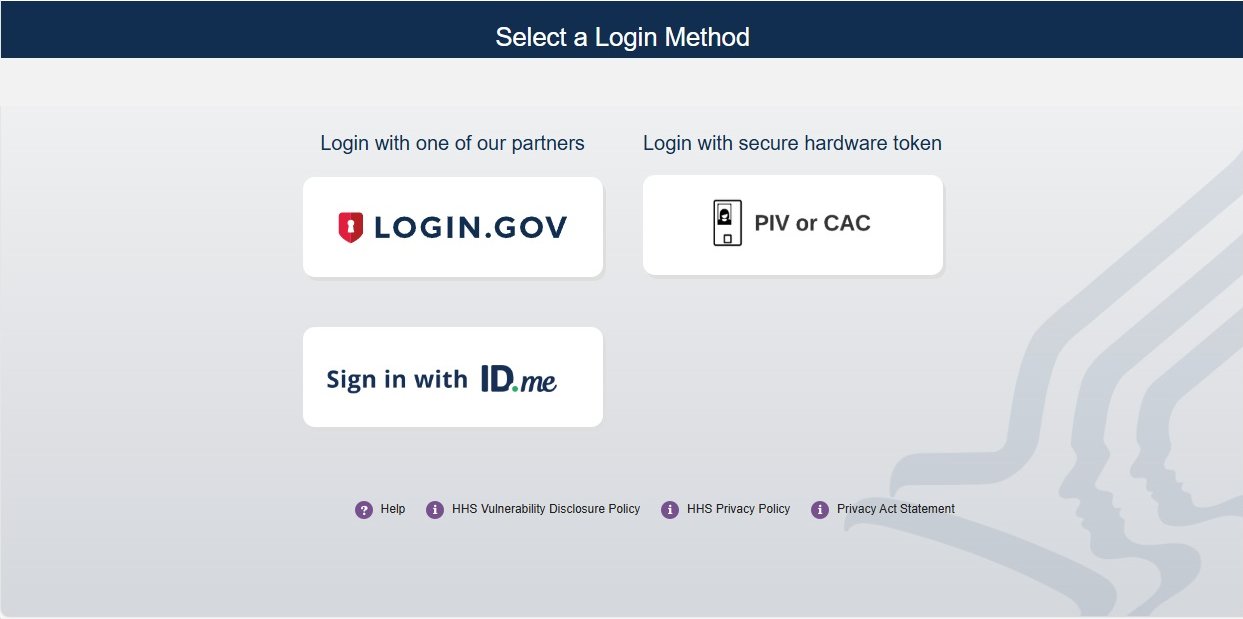
Log into FedHub (https://fedhub.hhs.gov) using one of the methods presented on the login page. For quick and easy access to your applications, add this page to your browser favorites or create a desktop shortcut.
-
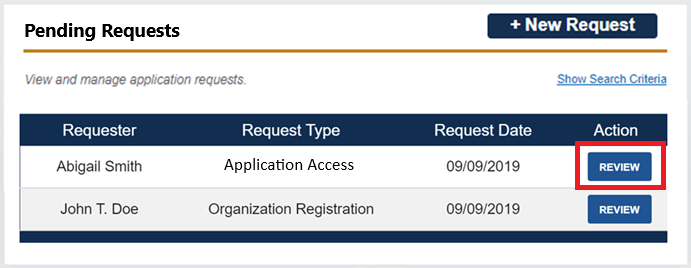
A "Pending Requests" section will be displayed on your dashboard. All pending requests are displayed in this table.

-
Click the "Review" button in the Action column for the desired request to view more details and perform actions.
-
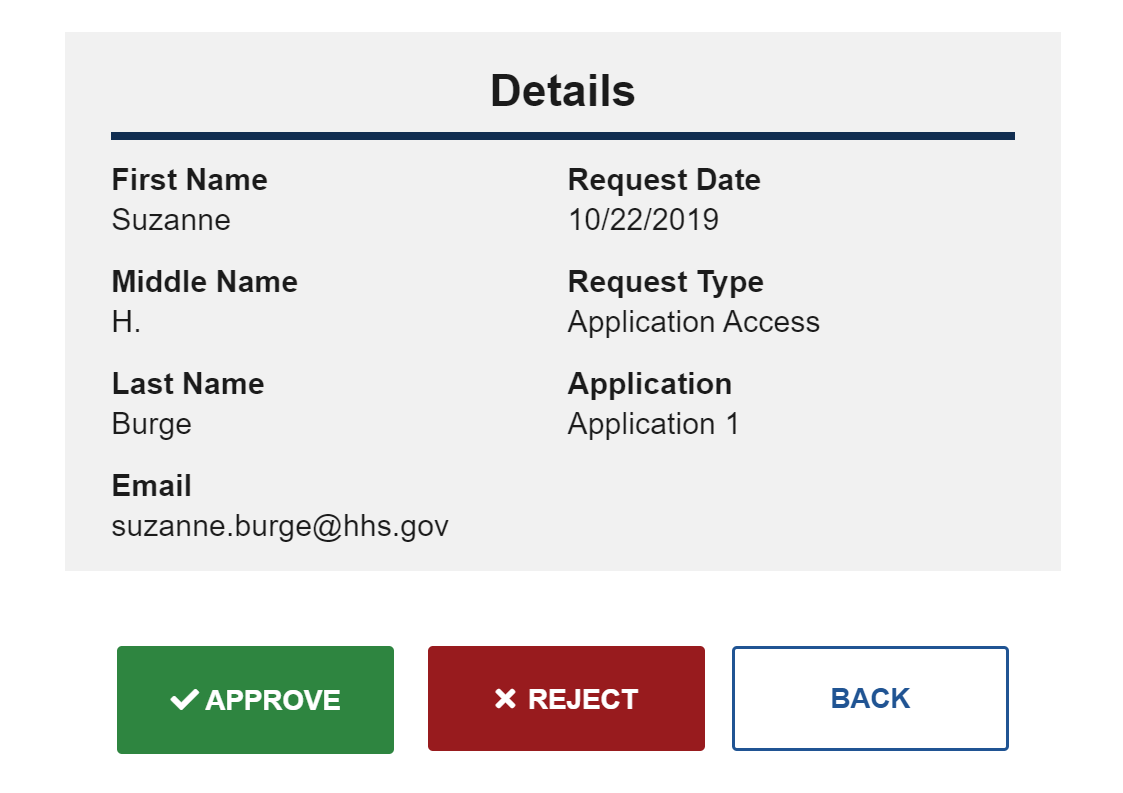
The Details page will be displayed with detailed information regarding the user’s request.
-
After reviewing the request, you will have the option to "Approve" or "Reject" the request.
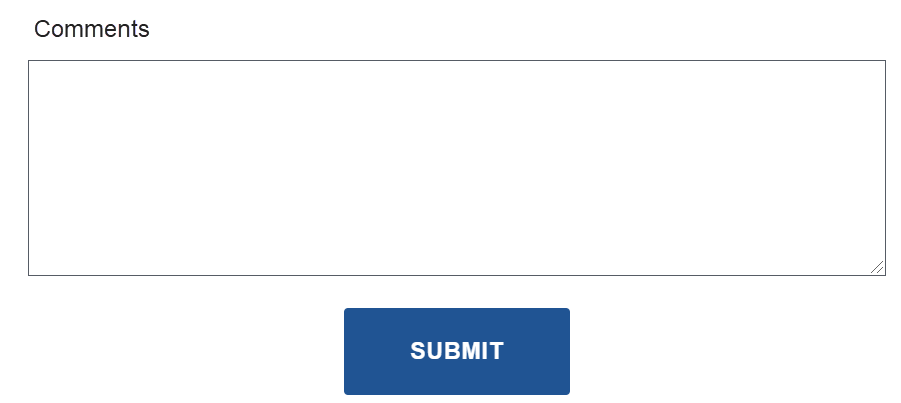
If you reject a request, you will be required to enter a justification in the provided comment text area. If you approve a request, providing a comment is optional. After you have entered your reason, click the "Submit" button.
-
After acting upon the request, you will be redirected to the dashboard. The approved/rejected request will be removed from the "Pending Requests" table, and an email notification will be sent to the requester regarding the action.