
How to Relink Login.gov Account if Deleted/Recreated
This job aid assists users on how to to re-link Login.gov credentials to their existing FedHub profile following Login.gov account recovery (account deletion/recreation) on a desktop.
NOTE: If you are accessing FedHub on a mobile device, some screens may vary in appearance.
-
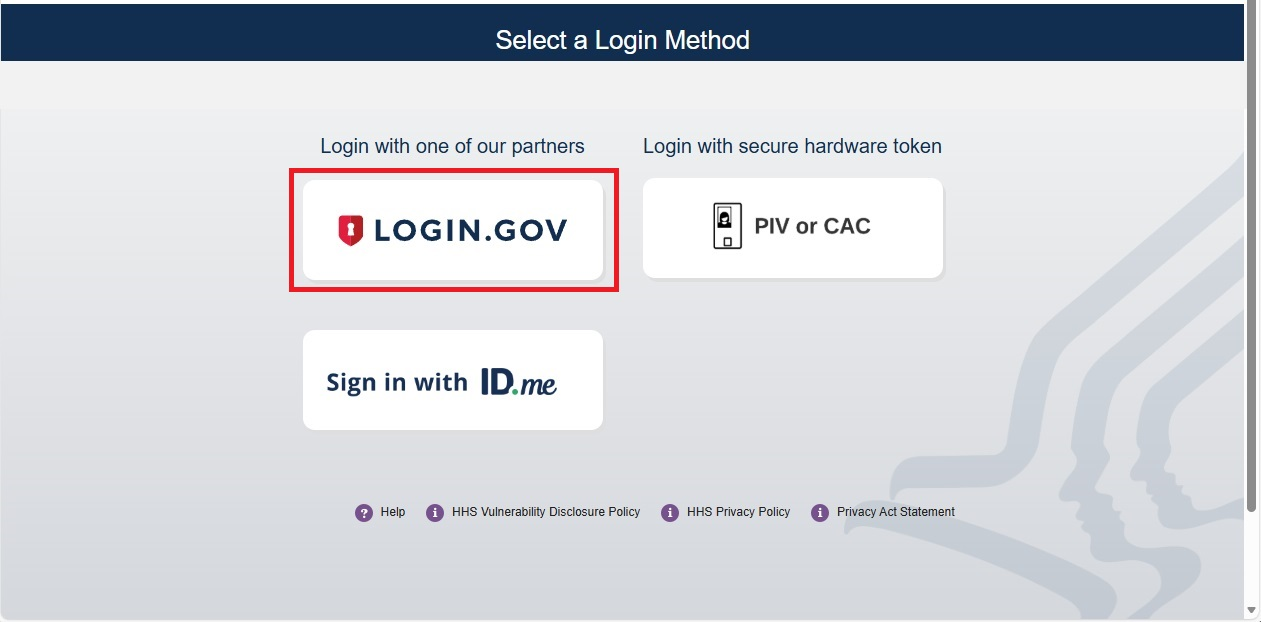
To log into FedHub, you will be using your Login.gov account credentials. From the FedHub login page (https://fedhub.hhs.gov), click the "Login.gov" button and complete the authentication process.
NOTE: If you have not recreated your Login.gov account with the same email address you used previously for your FedHub profile, you will need to create a Login.gov account before continuing.
-
After authenticating, the FedHub Login.gov Account Relinking Required Page will be displayed. Click the "Relink" button to continue.

-
A one-time security code will be sent to your registered email. Enter the code into the "One-time passcode" textbox and click the "Submit" button.

-
Upon successful linking, your FedHub user dashboard will be displayed and you can navigate to your application.