How to View and Remove User Application Access
This job aid assists users designated as an Application Admin to manage (view/remove) users accessing their application(s).
If you are an Organization Administrator trying to view or remove an affiliated organization user, refer to the "How to View and Remove Affiliated Organization Users" job aid.
NOTE: If you are accessing FedHub on a mobile device, some screens may vary in appearance.
-
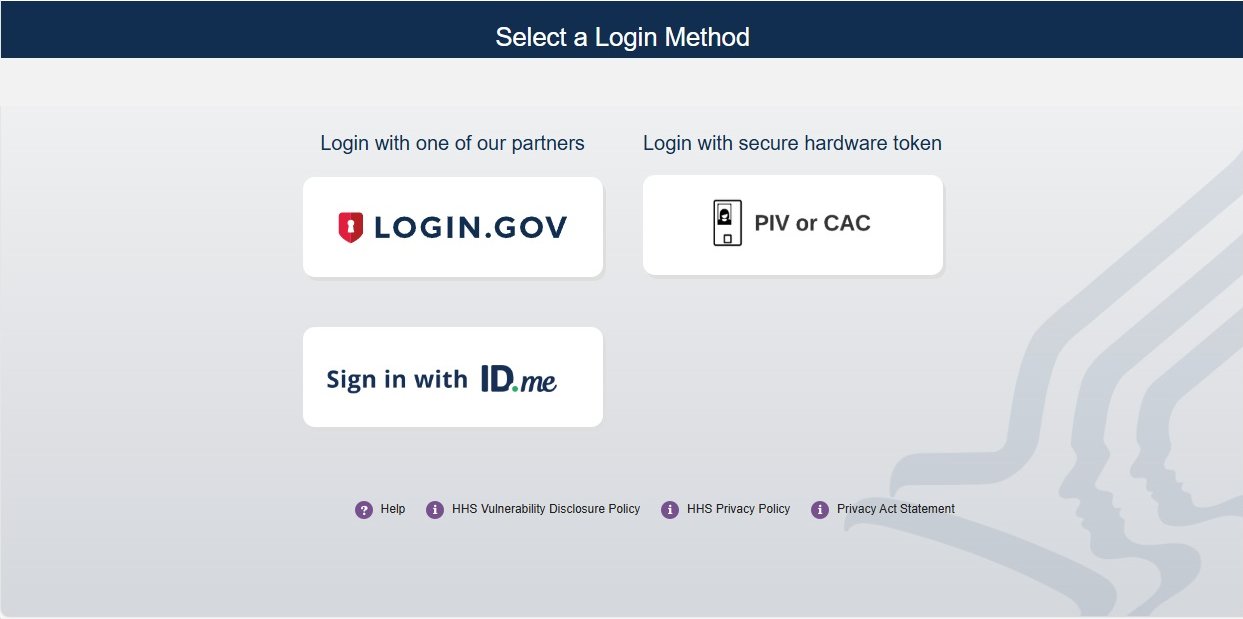
Log into FedHub (https://fedhub.hhs.gov) using one of the methods presented on the login page. For quick and easy access to your applications, add this page to your browser favorites or create a desktop shortcut.
-
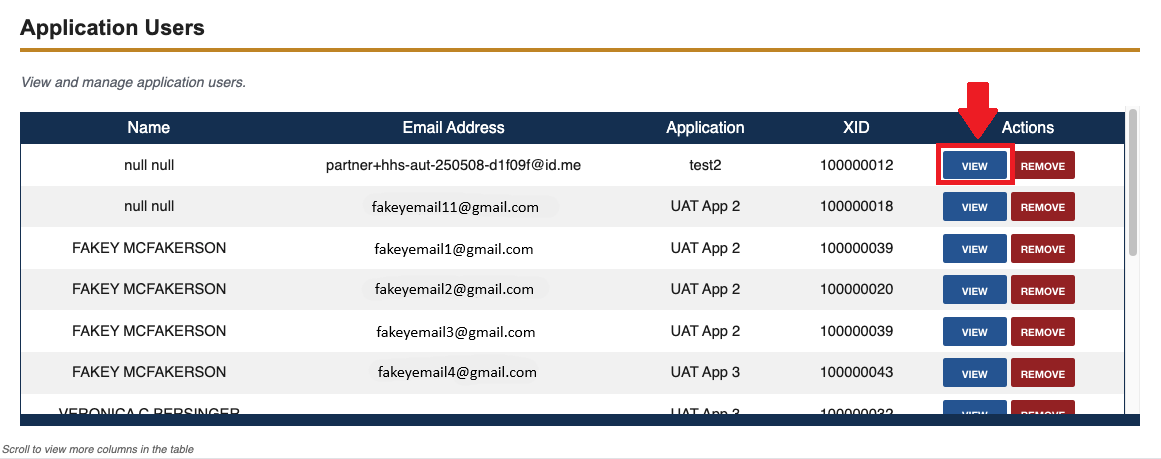
To see additional information for a user, select the "View" button for the desired user in the Actions column of the "Application Users" table.
-
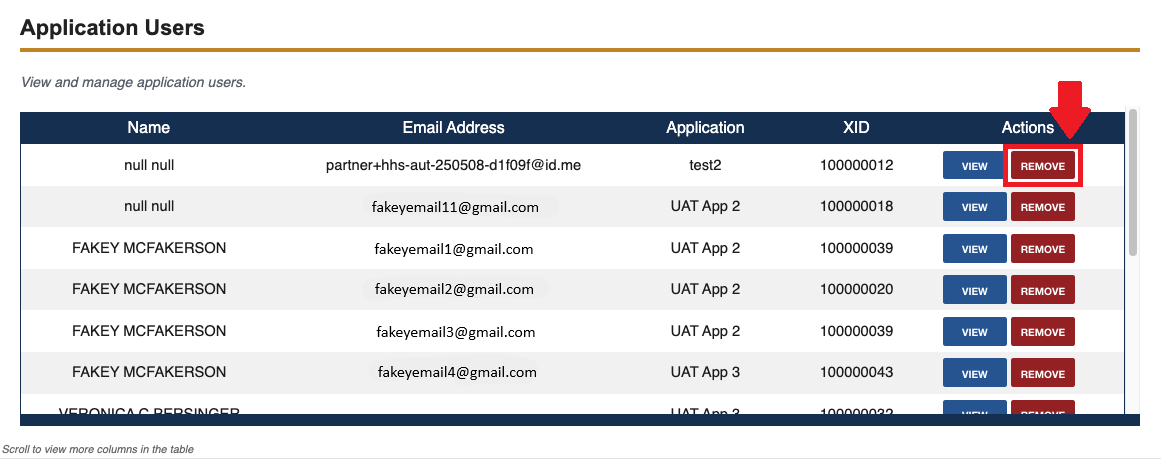
To remove a user’s access, click the "Remove" button in the Actions column for the desired user.
-
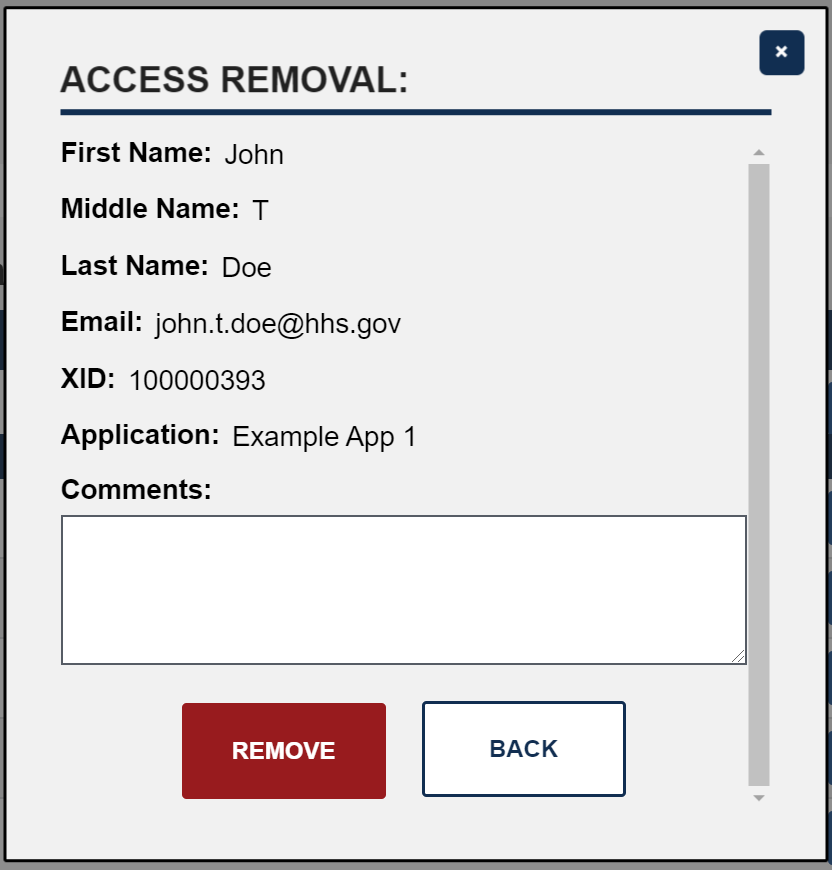
A pop-up window is displayed with a detailed list of the user’s information. To confirm removal of the user’s access, enter a reason for removal in the "Comments" field and then click the "Remove" button.
-
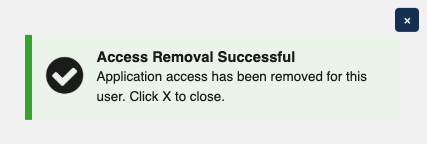
A success message is displayed to affirm that user access has been successfully removed. The user’s information will no longer appear in the "Application Users" table.